
Starter
$29.99/mo
14-day free trial
- One PM
- 10 Field Staff
- Unlimited projects
- All core features

From a solo truck to a company with PMs, admins, and field crews — stop losing change orders, guessing at job costs, and chasing payments. Trades Support ties proposals, crew time, receipts and invoices to the job, so you see profit live.
Web, iPhone and Android. See plans & pricing.
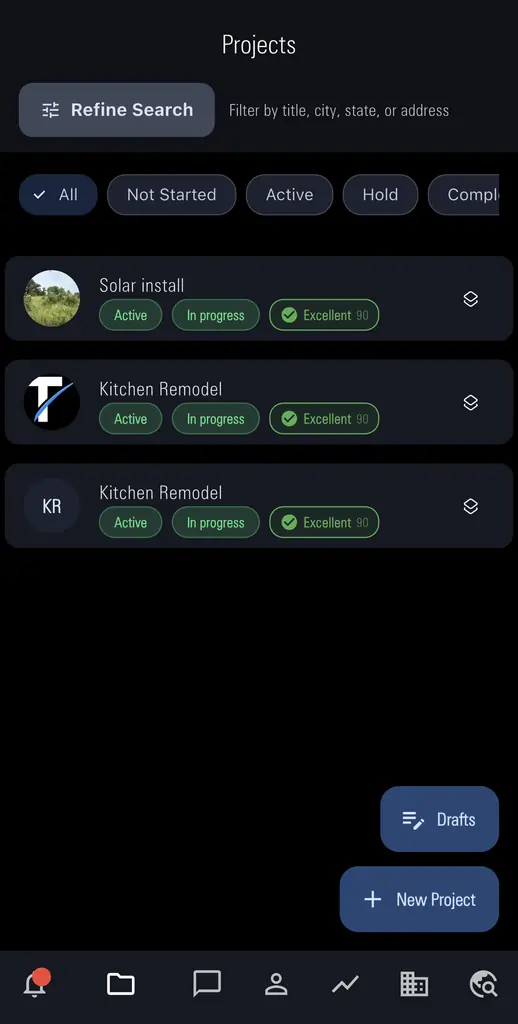
Each one links to the feature that fixes it — the steps live there, once.
“We did the extra work and forgot to bill it.”
Change orders stay on the same project with customer approval and an updated sell price.
See change orders feature →“Timesheets are filled out from memory, so job costs are a guess.”
Crews clock in, log mileage, and add receipts on the project while they work.
See time, mileage & receipts feature →“I don't know which jobs made money until it's too late.”
Financials on the project shows contract value, costs, and margin while you can still fix it.
See live job costing feature →“I type the same job into three different tools.”
One New Project carries the quote, approval, schedule, costs, and close-out.
See projects & proposals feature →“I spend my evenings chasing payments.”
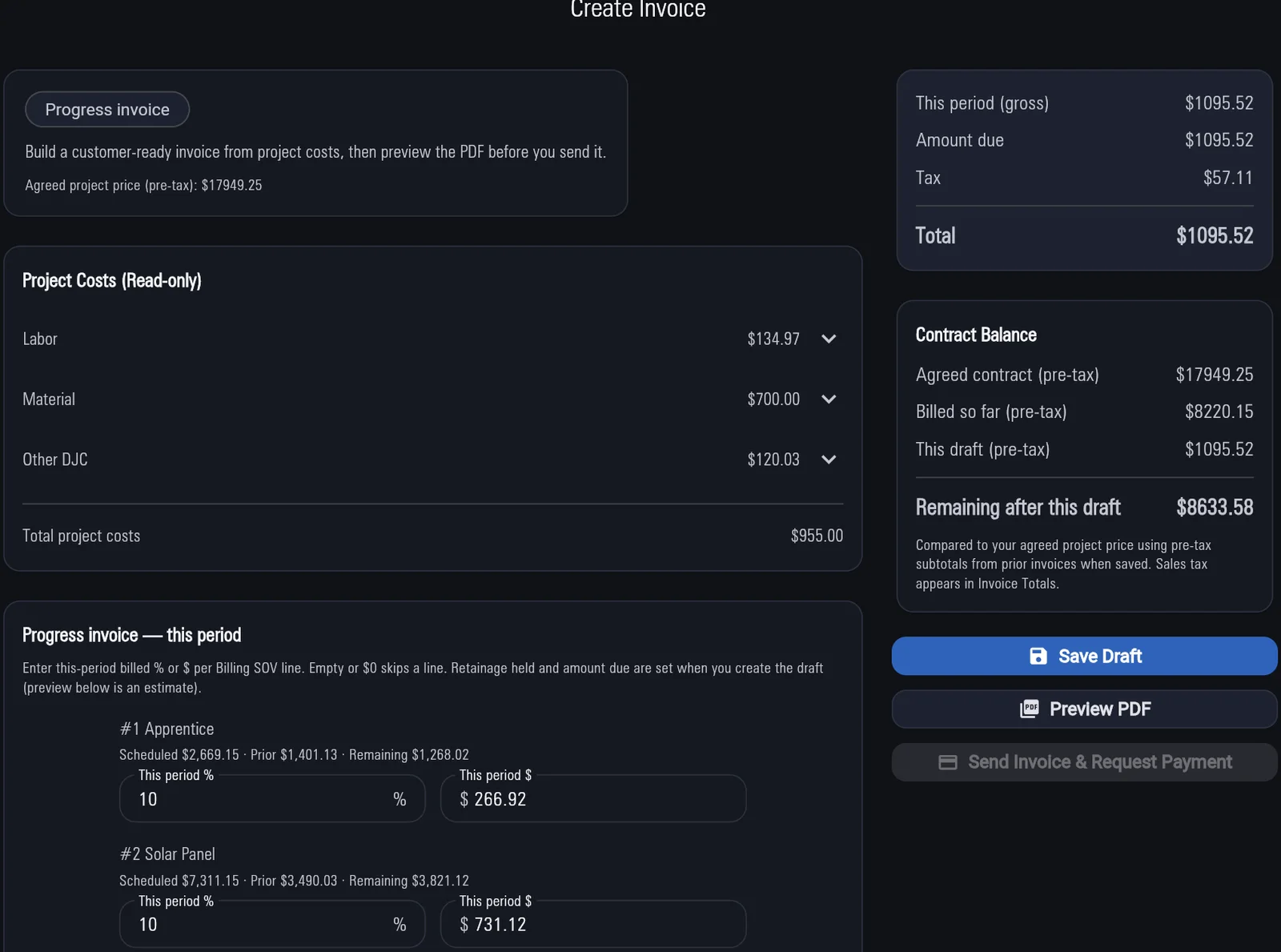
Invoice from the job; customers pay online. Progress draws and refunds stay in-app.
See Stripe invoicing feature →Every feature appears once — with plain steps for the job.
What it is: One job record that carries your sell price from quote through approval, work, and close-out.
Why it matters: You never retype the same job into another tool.
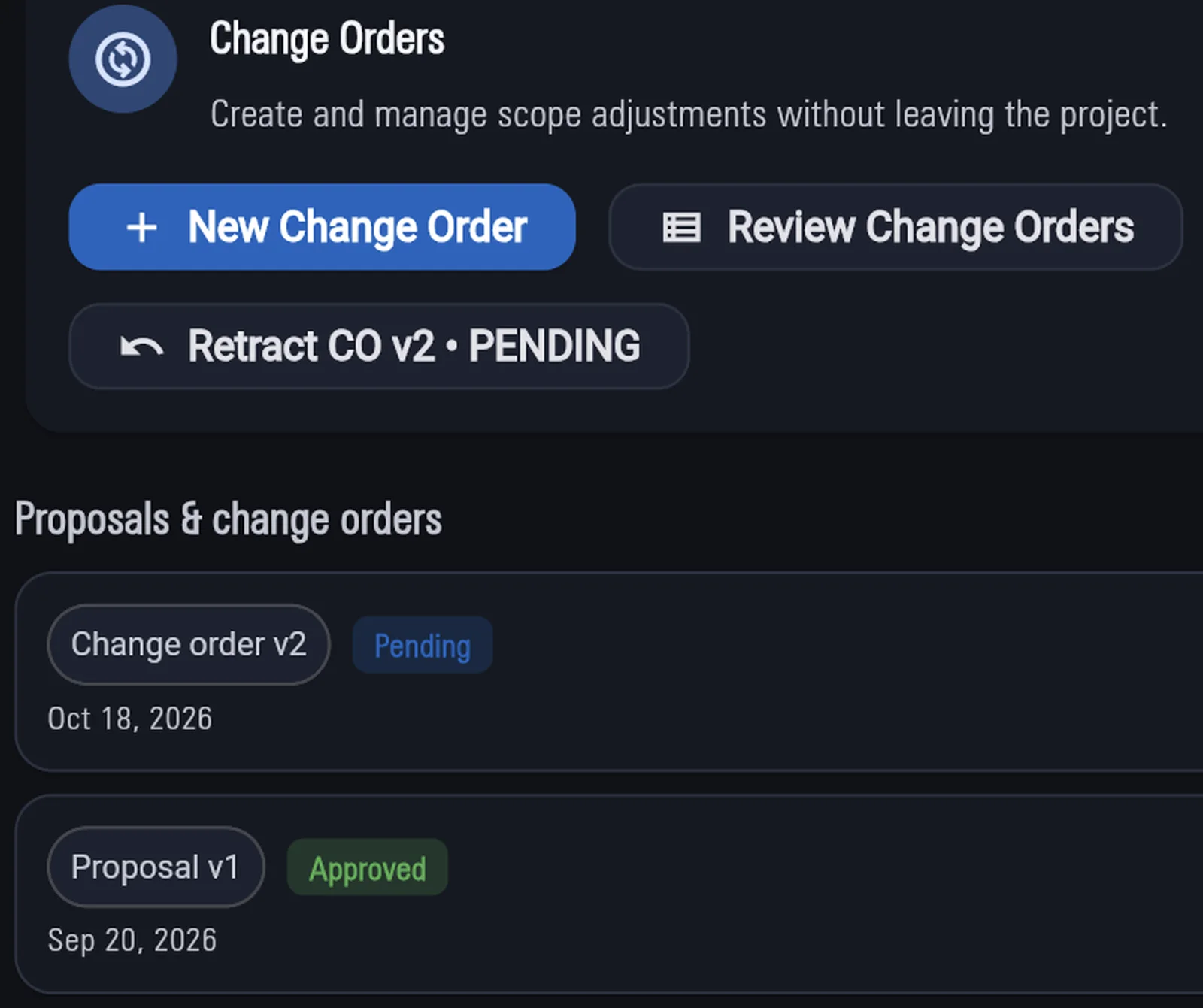
What it is: Written scope changes on the same job, with customer approval and an updated sell price.
Why it matters: Extra work gets billed instead of disappearing in a handshake.
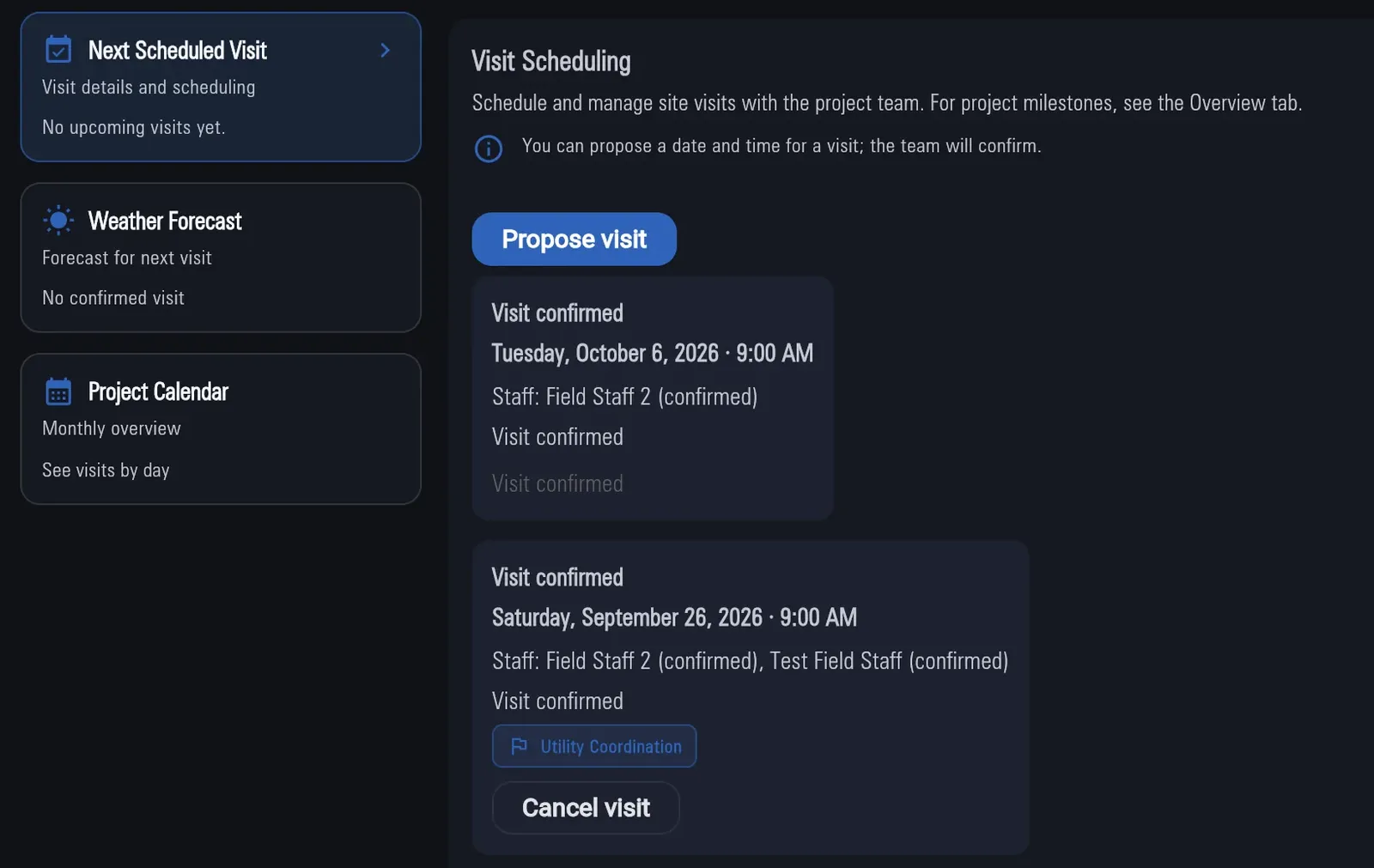
What it is: Site visits proposed and confirmed on the job.
Why it matters: Fewer wasted trips when nobody’s home.
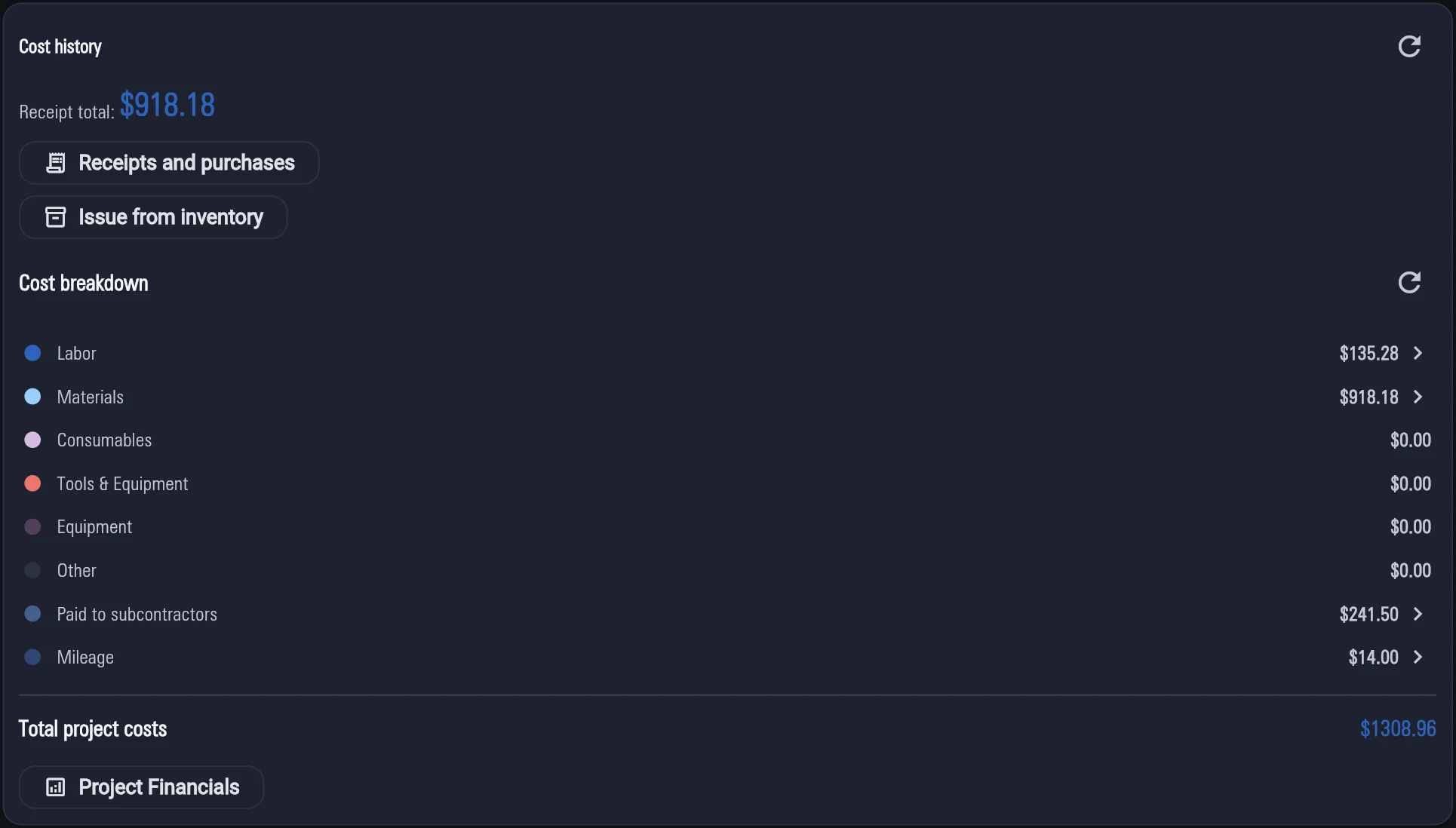
What it is: Labor, mileage, and receipt costs logged on the job, with live margin.
Why it matters: Costs are real — not Friday memory — and you see profit while you can still fix it.
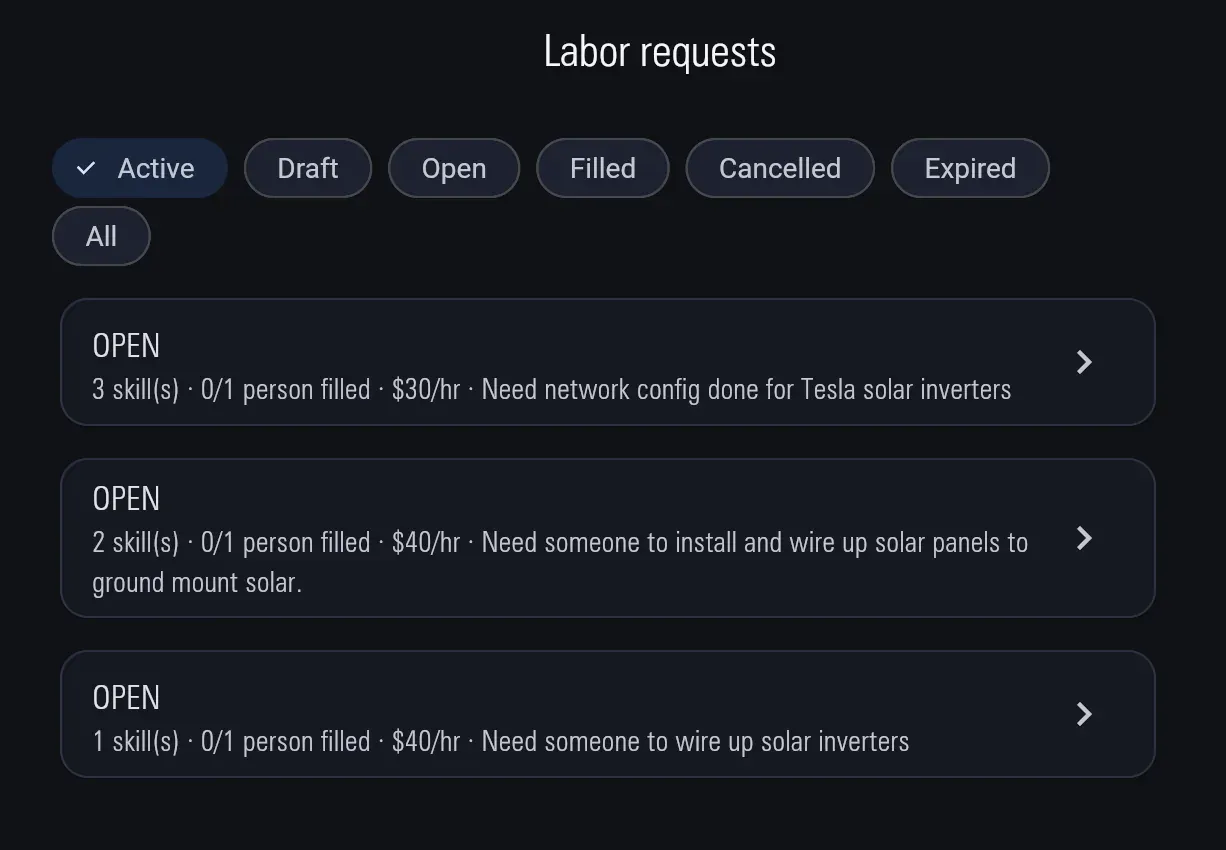
What it is: Post labor needs from a job; Field Staff apply with labor certifications and an aptitude quiz.
Why it matters: Fill a short crew without leaving the job — and see who can do the work before you hire.
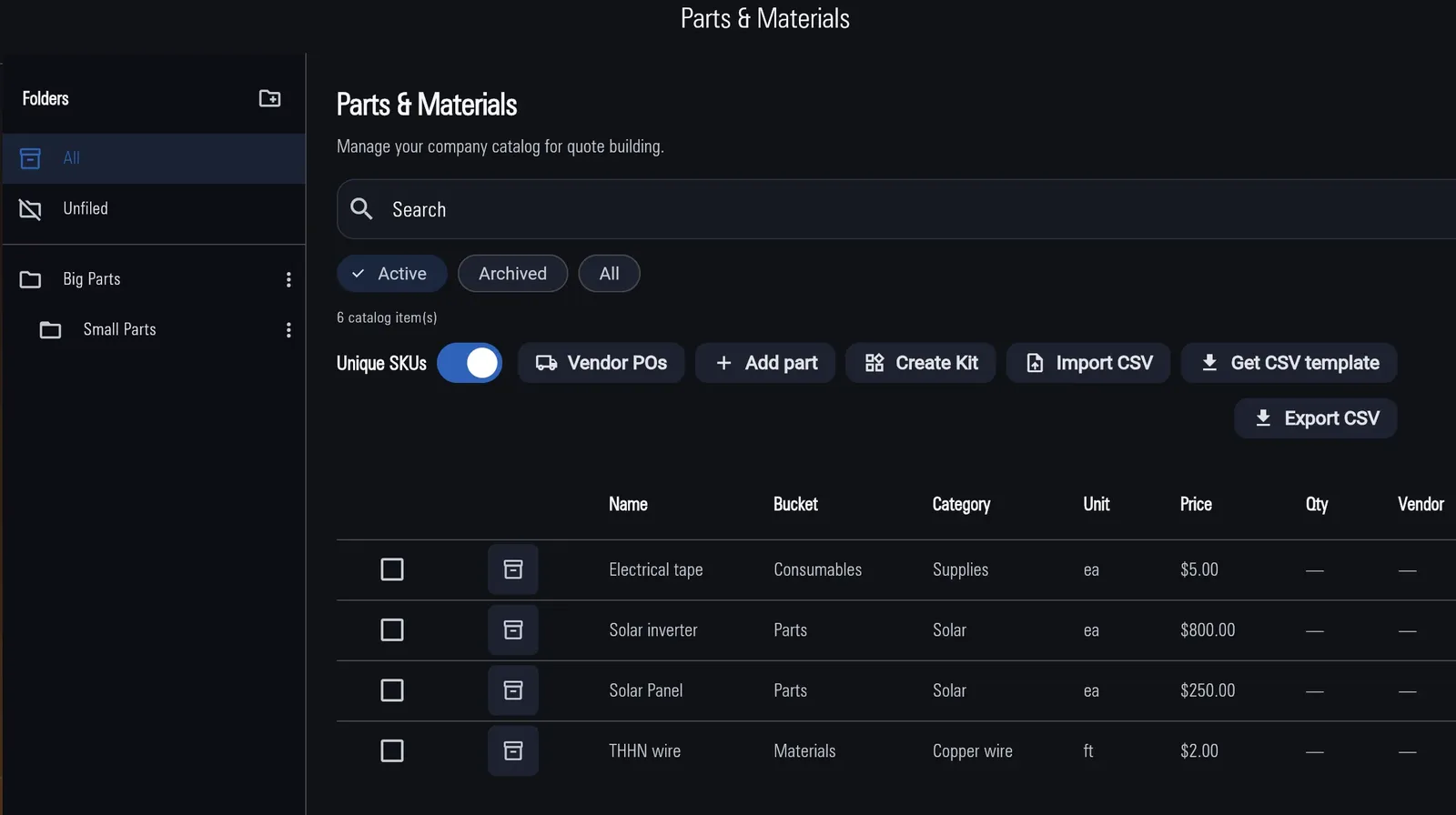
What it is: Company stock you issue to a job; it becomes a cost on that job.
Why it matters: Parts leave the shelf as job cost — not a mystery pile at month-end.
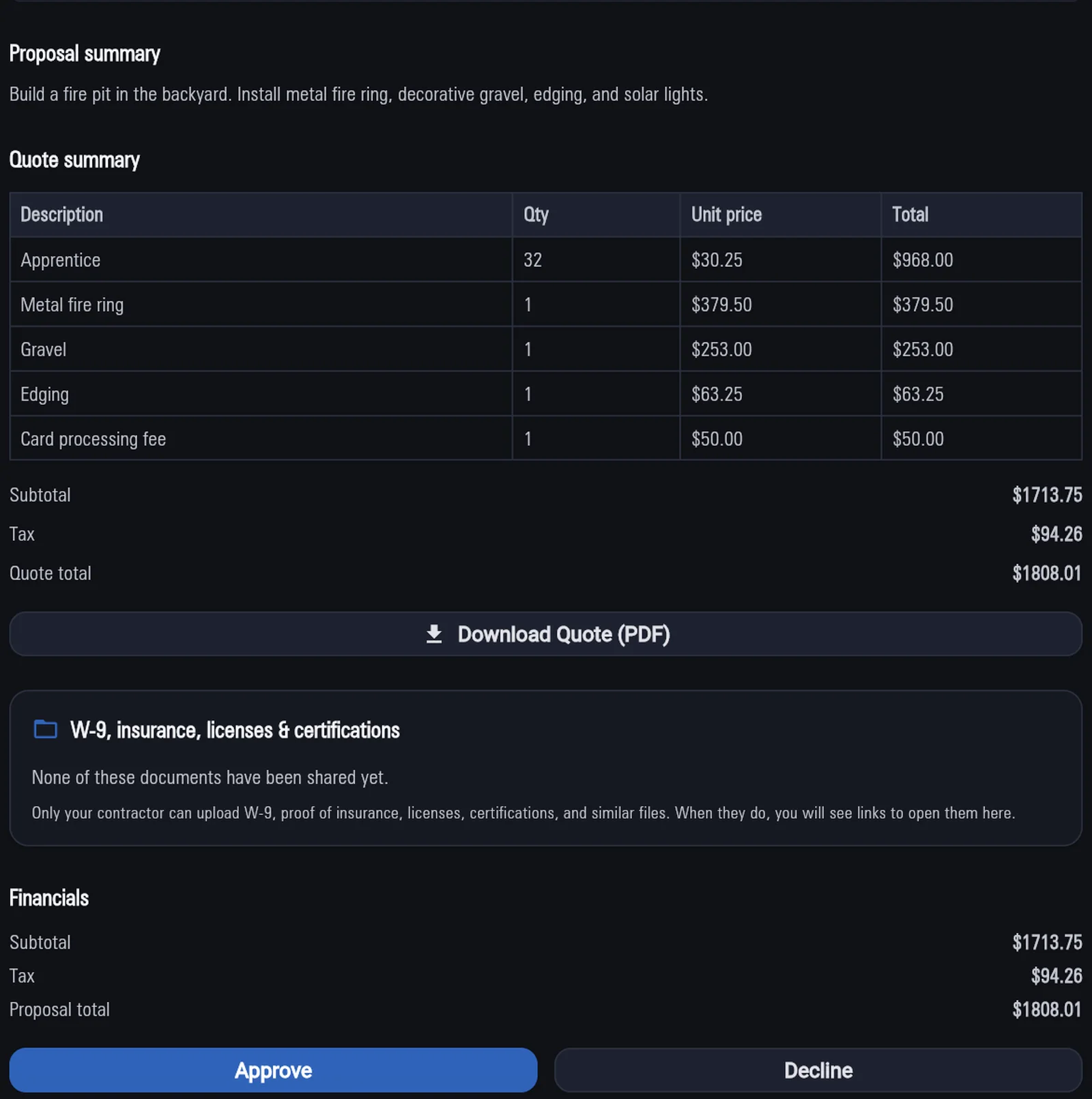
What it is: A price-only portal for approvals, visit confirms, and online payment — never your cost or margin.
Why it matters: Customers stay in the loop without seeing what the job costs you.
What it is: Invoices from the job paid online through Stripe, plus full or partial refunds you issue from the invoice.
Why it matters: Less chasing checks — and refunds without leaving the app.
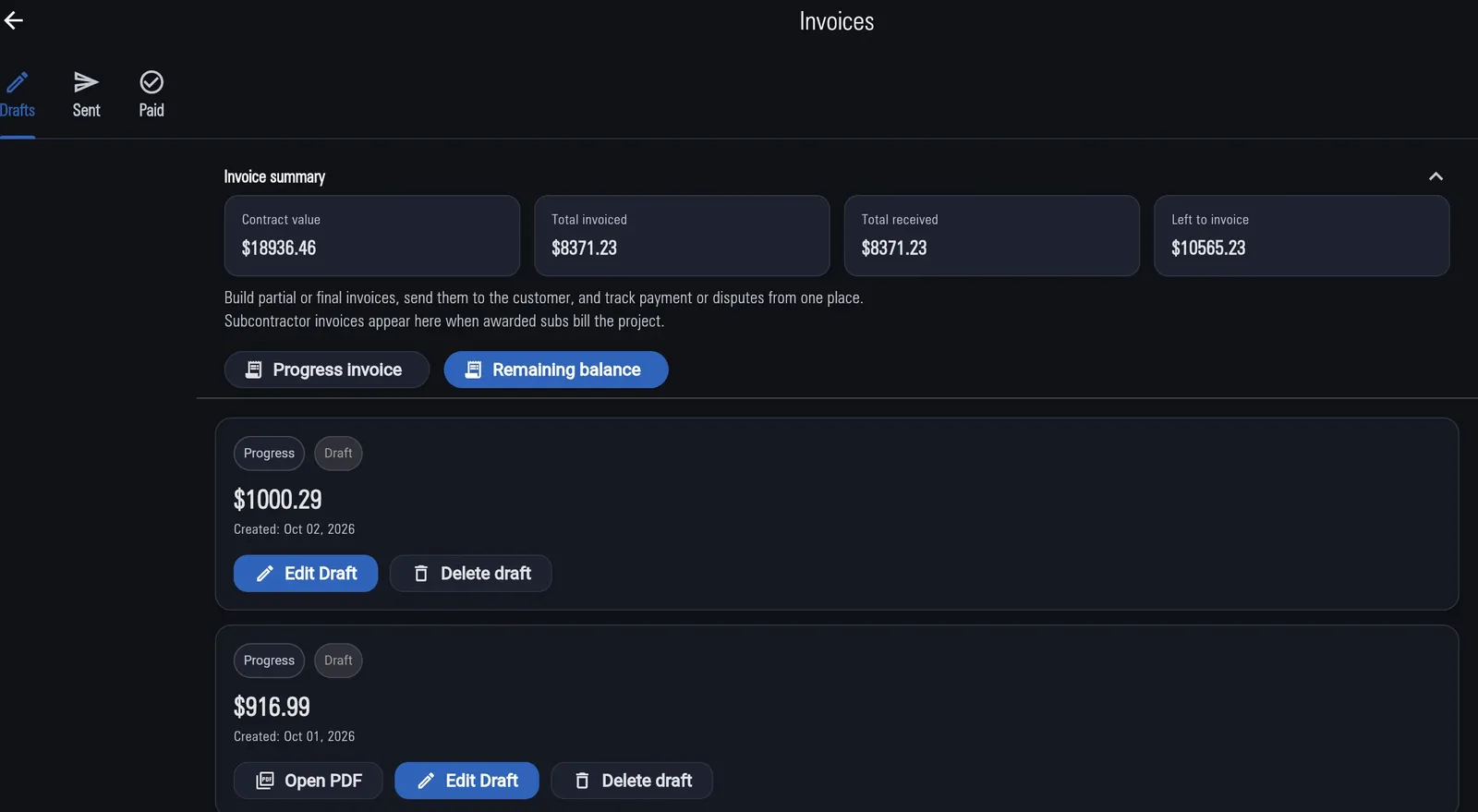
What it is: Progress billing as work advances, plus retainage held and released on subcontractor invoices.
Why it matters: Bigger jobs get paid in draws, and subcontract retainage doesn’t get lost in a spreadsheet.
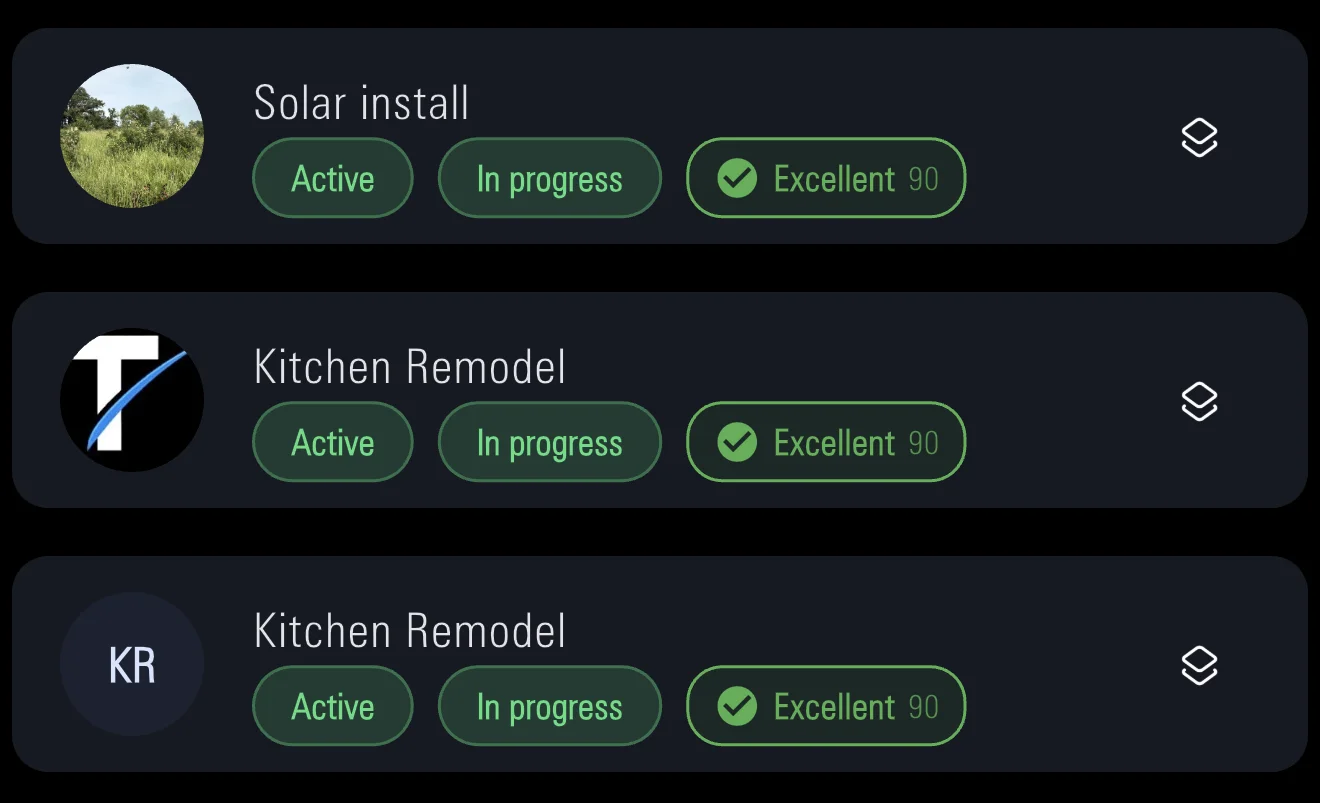
Every job carries a health score from 0 to 100, rated Excellent, Good, Fair, Poor or Critical. Points come off for overdue milestones, a job on hold or cancelled, a missing scope of work, or costs running more than 10% over budget, and the badge tells you why.
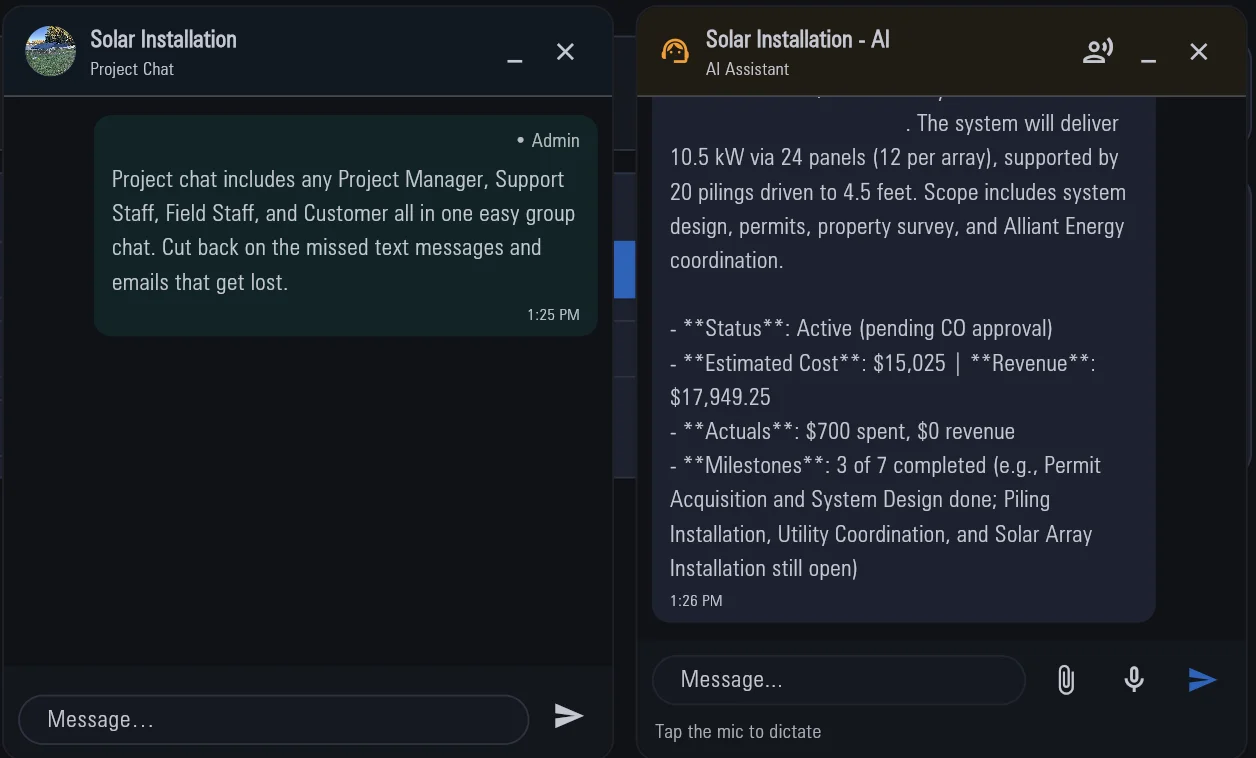
Each project has its own chat for the crew, PM and customer to share messages and photos, with history export for the PM, admin and customer. Need an answer fast? The built-in AI assistant reads that project's details and answers your questions, typed or dictated, with photos and files attached.
Web, iPhone, and Android — same product
Contractors from owner-operators to mid-size and larger shops — the person in the truck, companies with project managers and admins, and crews in the field. One product for the job record across those roles.
Online through Stripe. Use Partial Invoice or progress applications for draws, Remaining balance for the final bill. You can issue full or partial refunds from the invoice.
Yes: iPhone, Android, or the web. Use it in the truck, on site, or at the desk.
Starter is $29.99/mo with a 14-day free trial. Professional is $79.99/mo. Enterprise is $129.99/mo. Field Staff and customer accounts are free. See plans.
No. Start with company, projects, and quotes, then turn on more when you need it.
Contractor plans billed monthly. Field Staff and customer accounts are free.
$29.99/mo
14-day free trial
$79.99/mo
$129.99/mo
Set up your first job in minutes, on the web or your phone.